
Deckon
Control OBS from your phone
Deckon lets you control OBS from your phone. Give your OBS scenes, mute and record actions hotkeys, put those hotkeys on Deckon keys, and tap them on your phone while you play. It's free, works over your own Wi-Fi and needs no account.
Get Deckon — free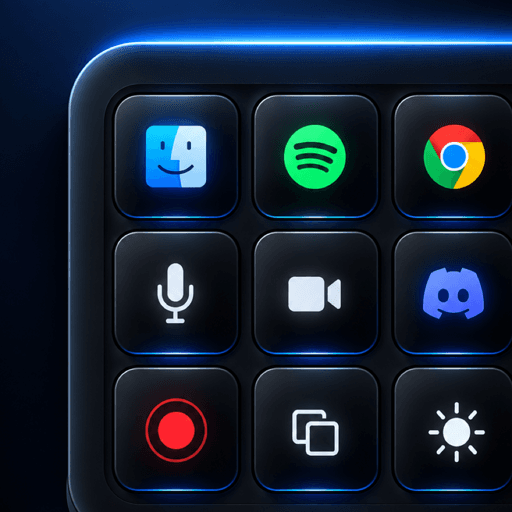
Set it up
- In OBS, open Settings → Hotkeys and assign a hotkey to each scene and action.
- Install Deckon on your computer and phone and pair them.
- Add a key for each hotkey and label it.
Good keys to start with
- Gameplay, Just Chatting and BRB scenes.
- Mic mute.
- Start and stop recording.
- Music play/pause.
Questions people ask
Does it work with Streamlabs too?
Yes, if you set hotkeys in Streamlabs Desktop — Deckon sends the key presses you assign.
Read more
- 4 min read
How to Switch OBS Scenes From Your Phone
Use your phone as a stream deck to switch OBS scenes, mute your mic and start streaming without alt-tabbing out of your game.
- 6 min read
How to Start Streaming Games in India: A Beginner's Setup
What you need to start streaming games from India: platform, PC or phone setup, OBS, mic, internet upload speed and a few shortcuts that make it easier.
- 4 min read
The Best Stream Deck Layout for Beginners
A simple 15-key stream deck layout for new streamers: scenes, audio, recording and media, arranged so you can press the right key without looking.