
Use your phone as a Stream Deck
To use your phone as a Stream Deck, install Deckon on your computer (macOS, Windows or Linux), press "Pair a phone", and scan the QR code with the Deckon app on your iPhone or Android. Your phone shows a grid of keys; each press fires a hotkey, launches an app or runs a macro on your computer.
Get Deckon — free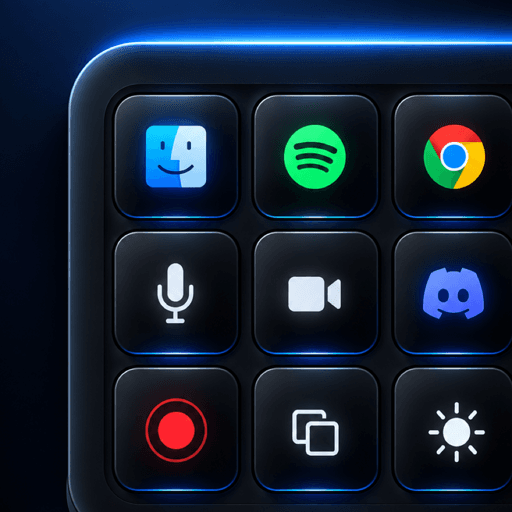
Set up in three steps
- Install Deckon on your computer — it sits in the menu bar.
- Press "Pair a phone" and scan the QR code.
- Edit your deck on the desktop; changes appear on your phone instantly.
Questions people ask
Can more than one phone control the same computer?
Yes. Each paired phone gets its own key and can be revoked from Settings at any time.
Read more
- 5 min read
Stream Deck vs Macro Keyboard vs Your Phone: Which Should You Use?
An honest comparison of a hardware stream deck, a macro keypad and a phone-based stream deck app for streamers, editors and developers.
- 4 min read
How to Switch OBS Scenes From Your Phone
Use your phone as a stream deck to switch OBS scenes, mute your mic and start streaming without alt-tabbing out of your game.
- 5 min read
A Stream Deck for Developers: Keys for Coding Faster
The shortcuts developers put on a stream deck — run, test, git, terminal, switching windows — and approving AI coding agents from your phone.